Getting Started
Create your account & sign in
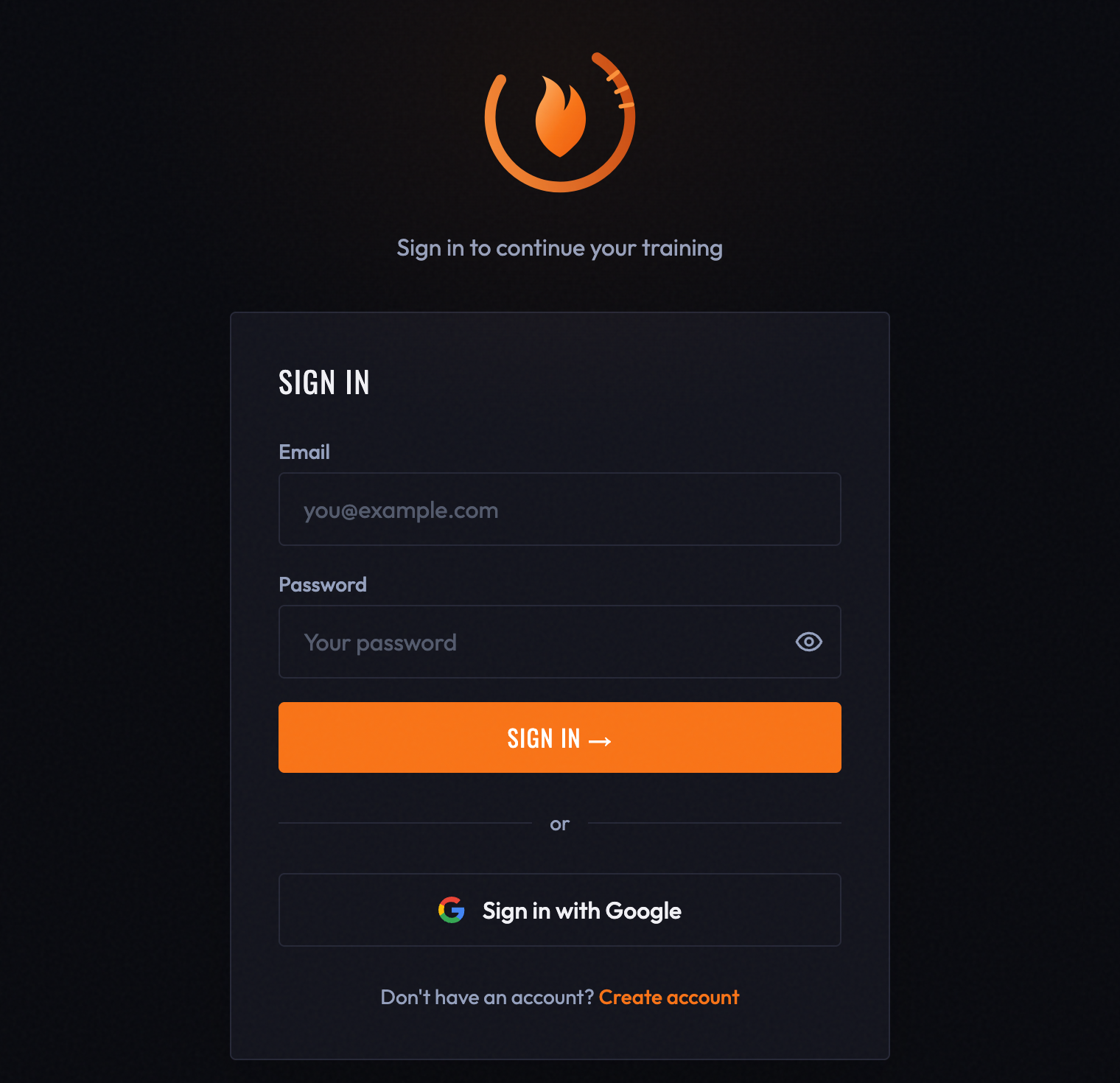
You can create a BurnGauge account two ways:
- Email & password — enter your email, choose a password of at least 8 characters, and you're in.
- Continue with Google — one tap, no password to remember.
Both options appear on the SIGN · IN screen. If you don't have an account yet, REGISTER sits at the bottom of that screen.
You must confirm you're 16 or older
Creating an account requires ticking the age confirmation. This is not optional and it is not a regional setting — the minimum is 16 everywhere. BurnGauge can ingest health data including blood pressure, blood oxygen, and glucose from a connected wearable, and both app stores expect an age gate on that kind of data.
If you skip the tick, the form refuses with "You must confirm you are at least 16 years old" rather than creating a half-made account.
Signing in
Use the same method you signed up with. If you registered with email, sign in with that email and password; if you used Google, tap CONTINUE WITH GOOGLE. Your account, programs, and history are the same across the web app and the mobile apps — sign in with the same method everywhere.
Staying signed in
BurnGauge keeps you signed in on a device until you explicitly sign out (from Settings). On a shared device, sign out when you're done.
Trouble signing in
- Forgot your password? Use FORGOT PASSWORD? on the sign-in screen; we email a link that expires in 15 minutes.
- Too many attempts? Sign-in is rate-limited to protect your account. If you see "Too many login attempts", wait fifteen minutes and try again — the limit is on attempts, not on your account, and nothing has been locked.
- Verify your email. After you sign up we email you a confirmation link. Your account works straight away, but confirming the address is what lets us send you a password-reset link and what protects the account from anyone else who typed the same address first.
- Signed up with Google but trying email? Use CONTINUE WITH GOOGLE instead — the accounts are matched by email.
Next: take the home-screen tour.
Turn your workouts into intelligence
Log your lifts, follow a program, and let BurnGauge surface what's working. Free to start — upgrade to Pro for the full analytics + AI coaching stack.