Account & Billing
Account & data (password, email, delete)
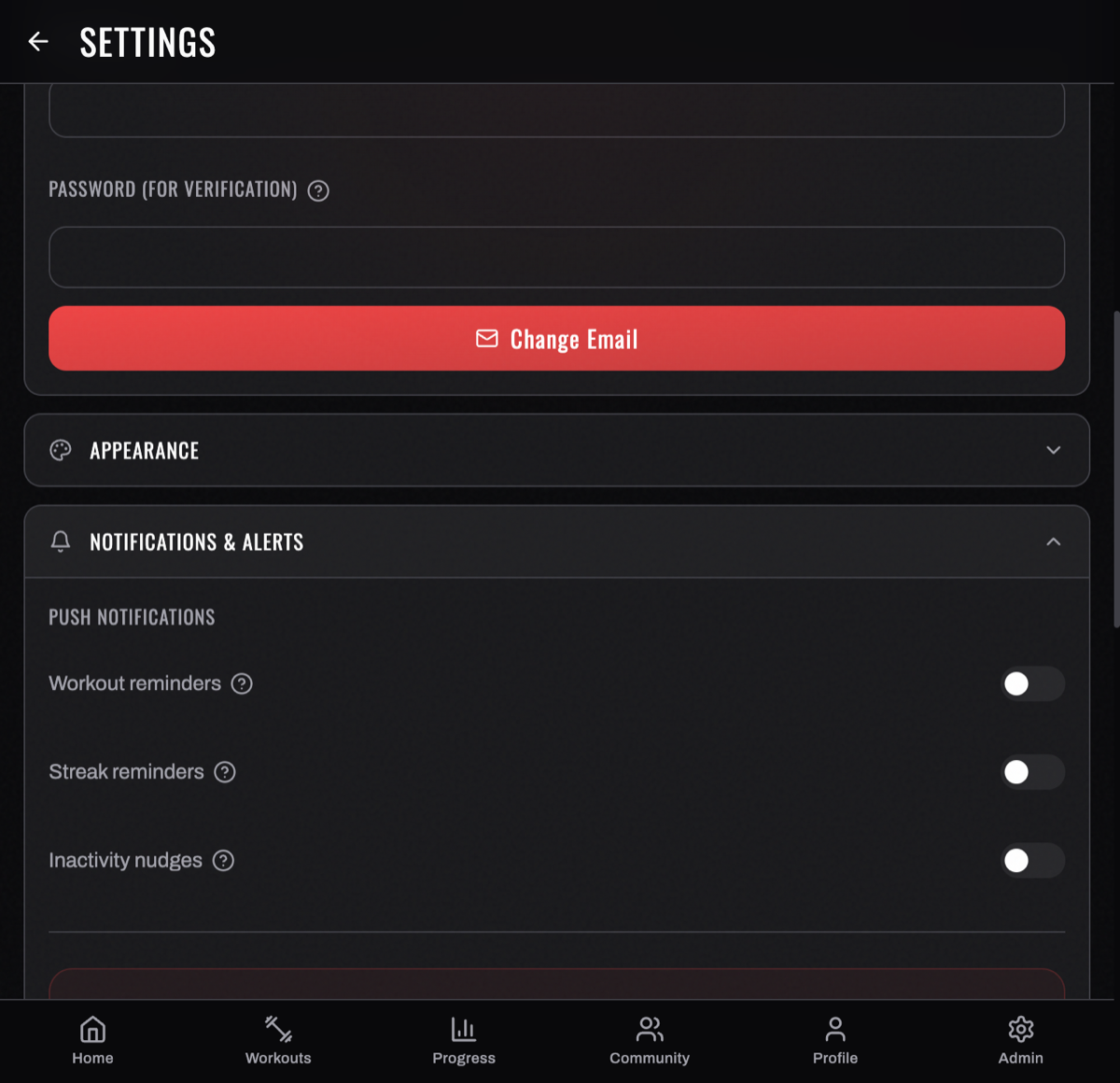
Manage the security and lifecycle of your account from Settings.
Change your password
In Settings, update your password by confirming your current one and setting a new one. (If you sign in with Google, you don't have a BurnGauge password — manage access through your Google account.)
Change your email
Update the email tied to your account in Settings. This is the email you sign in with and where notifications go.
Sign out
LOGOUT sits under SESSION at the bottom of Settings — useful on a shared device. You'll need to sign in again with the same method next time.
It's a two-tap confirm: the first tap arms it and the label changes to CONFIRM LOGOUT / TAP AGAIN TO CONFIRM, and the second completes it. Wait too long between the two and it disarms itself. That's deliberate — it stops a mis-tap signing you out in the middle of a session.
Biometric lock
On mobile you can require Face ID or a fingerprint to open the app, under § 06 SECURITY in Settings. The option only appears once your phone has a biometric enrolled; until then it reads BIOMETRIC LOCK UNAVAILABLE — NO FACE ID / TOUCH ID ENROLLED, which means "enrol one on your phone first".
Delete your account
Deleting your account removes your data immediately and completely — not on a schedule, and not partially. In one operation BurnGauge removes:
- every row in every table that belongs to you, including your workouts, programs, health metrics, AI conversations and your pinned exercise swaps;
- the progress‑photo images themselves from our storage, not just the database entries;
- all of your sign‑in sessions on every device;
- your identifying details from our administrative records.
Two things are worth knowing before you confirm:
- Messages with a training partner are deleted for both of you. They are one conversation, and it goes.
- An active subscription billed by us is cancelled at the same time. If the cancellation cannot be completed, the deletion is refused and nothing is changed — you keep your account and can try again. A deletion here never half‑happens.
Because this is irreversible, BurnGauge asks you to confirm before proceeding. If you want a copy first, export your data before deleting.
Deleting your BurnGauge account does not cancel a store‑managed (App Store / Google Play) subscription — cancel that in your device's store account too. See Subscription & Pro.
Backups: the 90‑day window
Deletion empties the live service immediately, but BurnGauge also keeps encrypted backup copies of the database so a bad day does not cost you your training history. Those copies are not searched to serve a deletion, so a copy taken before you deleted still contains your rows for a while.
Every off‑platform backup copy is deleted automatically 90 days after it is made. So the longest your data can survive in a backup is 90 days from the night that copy was taken — and the short‑term copies our hosting provider keeps expire sooner than that.
Each night's copy expires on its own 90th day, so there is always a rolling 90 days of restore points rather than an ever‑growing pile. Nothing in the running service can read a backup back — a backup is only ever restored deliberately, by us, to recover from a failure.
Turn your workouts into intelligence
Log your lifts, follow a program, and let BurnGauge surface what's working. Free to start — upgrade to Pro for the full analytics + AI coaching stack.