Training
Progress & insights
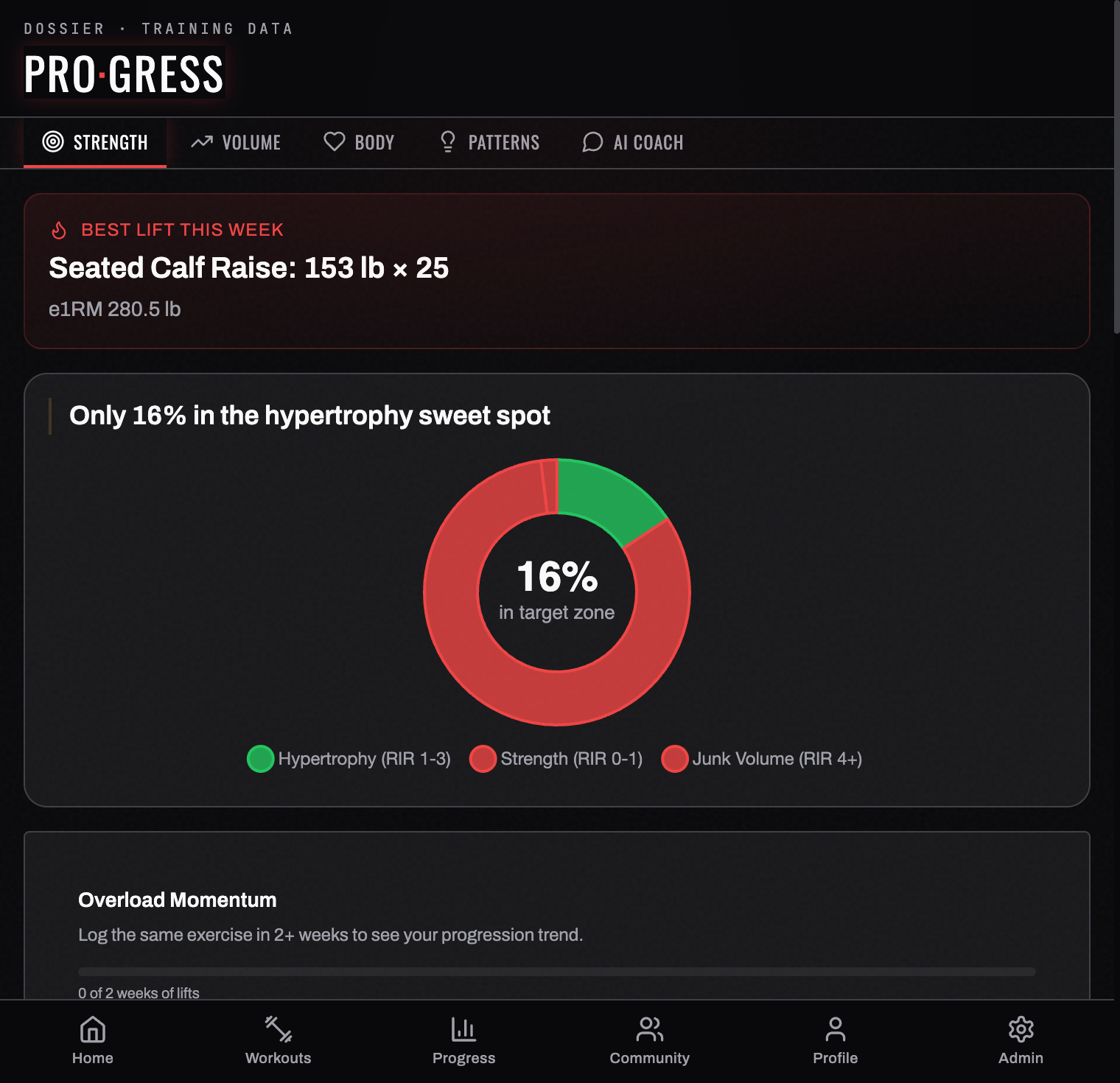
The Progress tab turns your logged sessions into trends. Five views run along the top: STR, VOL, BODY, PAT, and AI.
STR — strength
The default view, and the densest. It stacks several cards:
- Best lift this week — your standout set, with its estimated 1-rep max (e1RM) worked out for you.
- Training zone — what share of your working sets landed in the hypertrophy sweet spot (RIR 1–3) versus strength (RIR 0–1) or junk volume (RIR 4+).
- Overload momentum and e1RM trajectory — slope-fitted across weeks, so you can tell progressing from flat from sliding.
- Personal records — every lift's best, with how long it's been since you beat it.
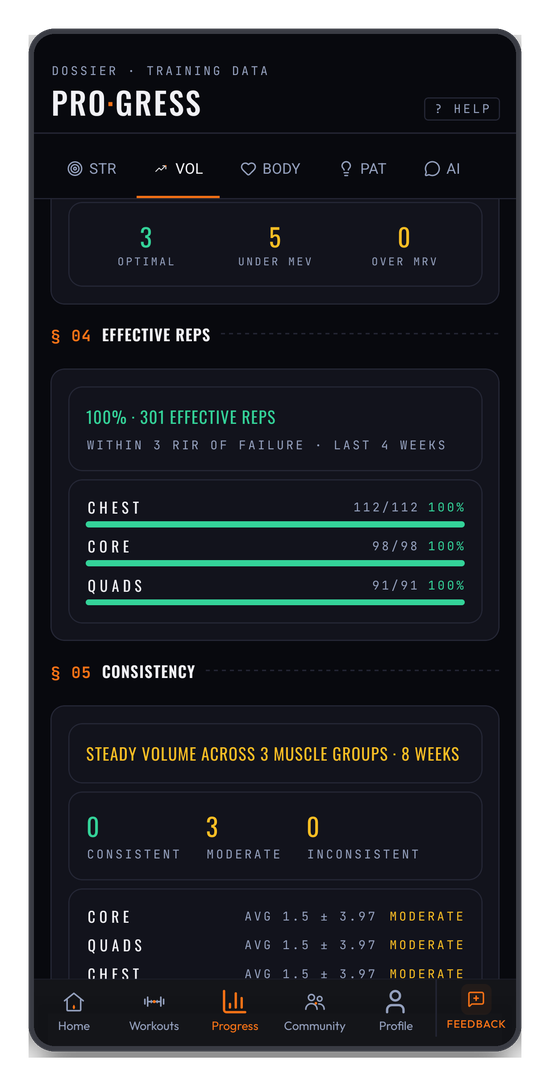
A lift that hasn't moved is tagged STALLED, with the days since your last PR next to it. That's the cue to swap a variation or run a deload rather than grind the same weight again.
Exercise rotation
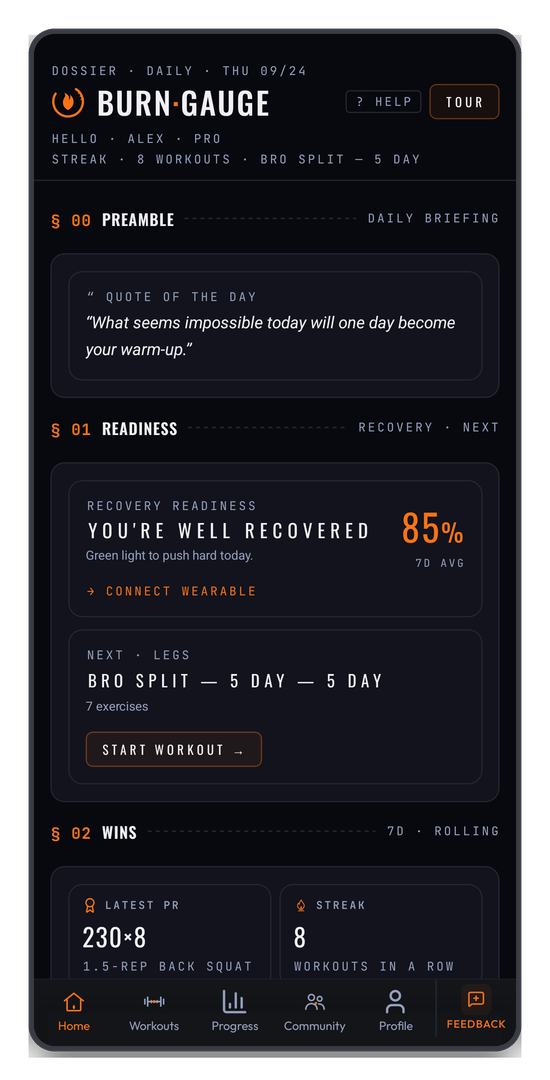
A card most people miss. It watches how many different exercises you use per muscle group and flags the ones running STALE — the same lift, session after session. Low rotation is one of the quieter causes of a plateau, and this is where you'd catch it.
VOL — volume
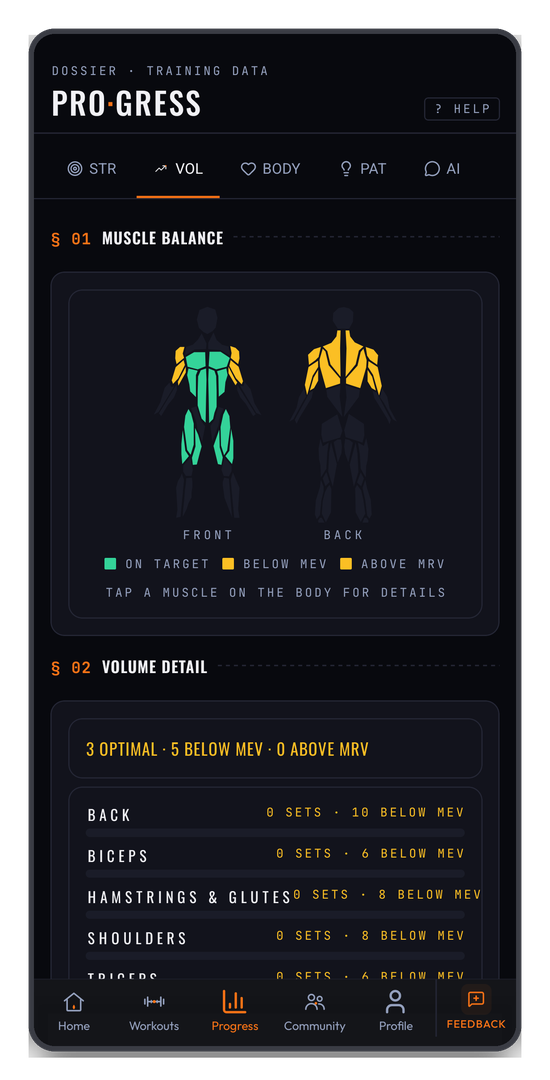
Weekly training volume over time, plus the muscle-balance map: a front-and-back body diagram with each muscle coloured by where its weekly sets fall — ON TARGET, BELOW MEV, or ABOVE MRV. Tap any muscle for the detail behind its score.
BODY — bodyweight & wellness
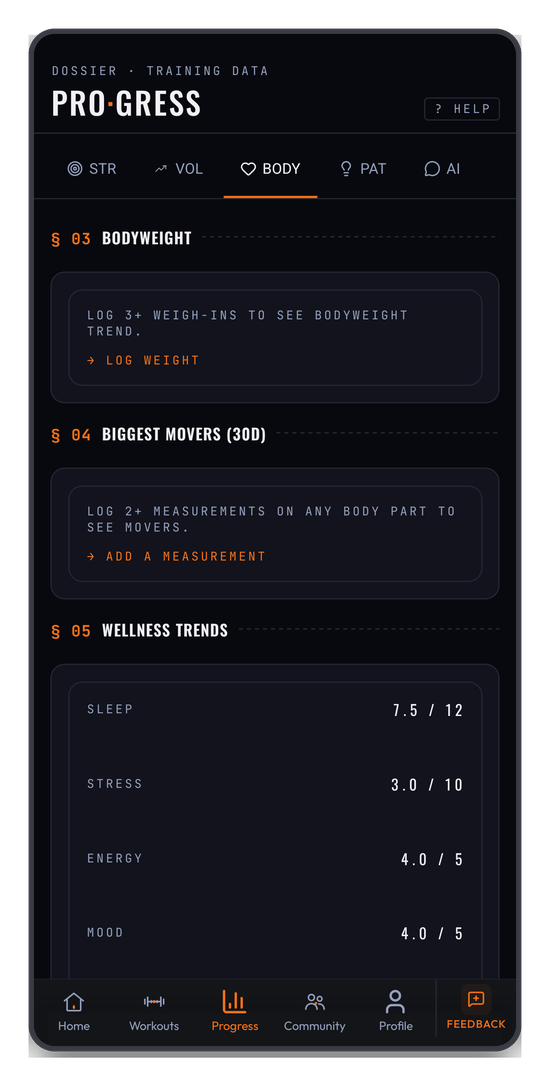
Bodyweight trend, biggest movers across your tracked measurements over 30 days, and wellness trends — sleep, stress, energy, and mood pulled from your daily check-ins.
These need a little history before they draw anything: three or more weigh-ins for the bodyweight trend, and two or more readings on a body part before it can be a "mover". Until then each card tells you exactly what it's waiting for.
PAT — patterns
Correlations BurnGauge detects between your inputs and your performance — and, with a wearable connected, how sleep, HRV, and activity relate to your training. These also surface as proactive home-screen alerts.
Patterns need four weeks of workouts and check-ins before they mean anything, and the card shows your progress toward that (1 / 4 WEEKS) rather than pretending to a conclusion it can't support.
AI — coach insights
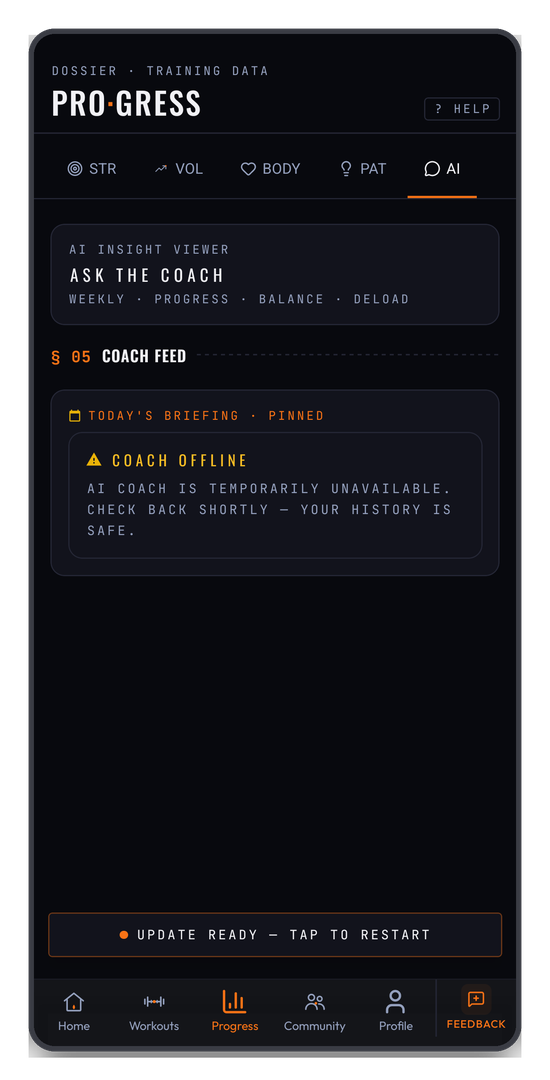
The insight viewer and your coach feed — see AI Coach.
BODY, PAT, and AI are part of Pro. On the free tier each shows what it would give you and an upgrade route, rather than hiding entirely.
Related: The workout logger · Achievements & streaks.
Turn your workouts into intelligence
Log your lifts, follow a program, and let BurnGauge surface what's working. Free to start — upgrade to Pro for the full analytics + AI coaching stack.