Training
Programs — build, activate, schedule
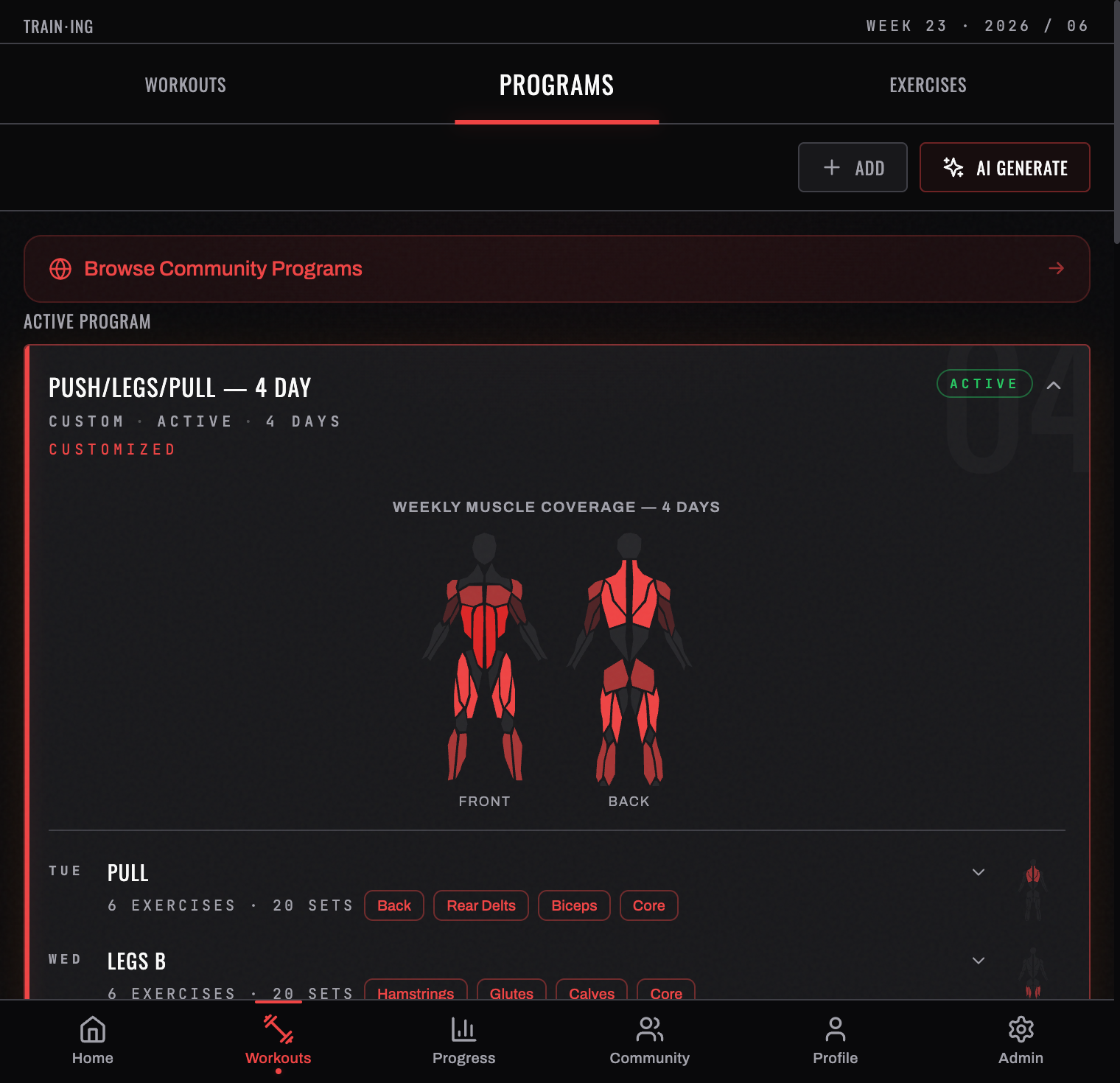
A program is your training blueprint — a weekly schedule of training days, each with its exercises and set/rep targets.
Open Workouts → PROGRAMS. The top of the screen gives you three ways to get one:
| CREATE NEW PROGRAM | Build it yourself, day by day |
| AI GENERATE | Describe what you want and have one written for you (Pro) |
| IMPORT FROM TEXT | Paste a plan you already have and let BurnGauge parse it (Pro) |
The library
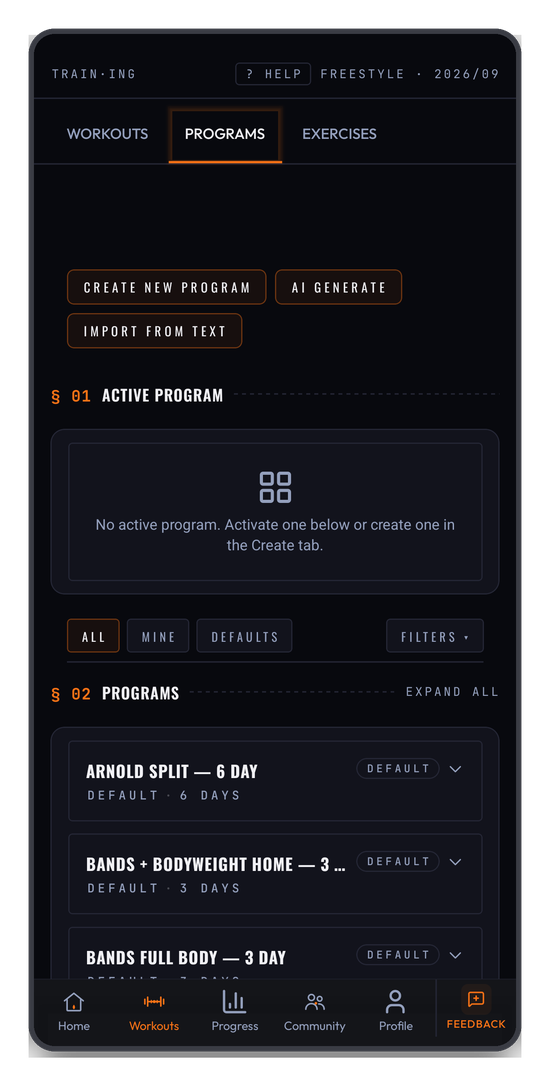
§ 02 PROGRAMS lists everything available to you. Filter it with ALL, MINE, or DEFAULTS, narrow further with FILTERS ▾, and use EXPAND ALL to see every program's days without opening each one.
Every built-in plan is tagged DEFAULT and labelled with its shape — Bro Split — 5 Day, Arnold Split — 6 Day, Bands + Bodyweight Home — 3 Day, and so on, so you can match one to the days and equipment you actually have.
Looking before you commit
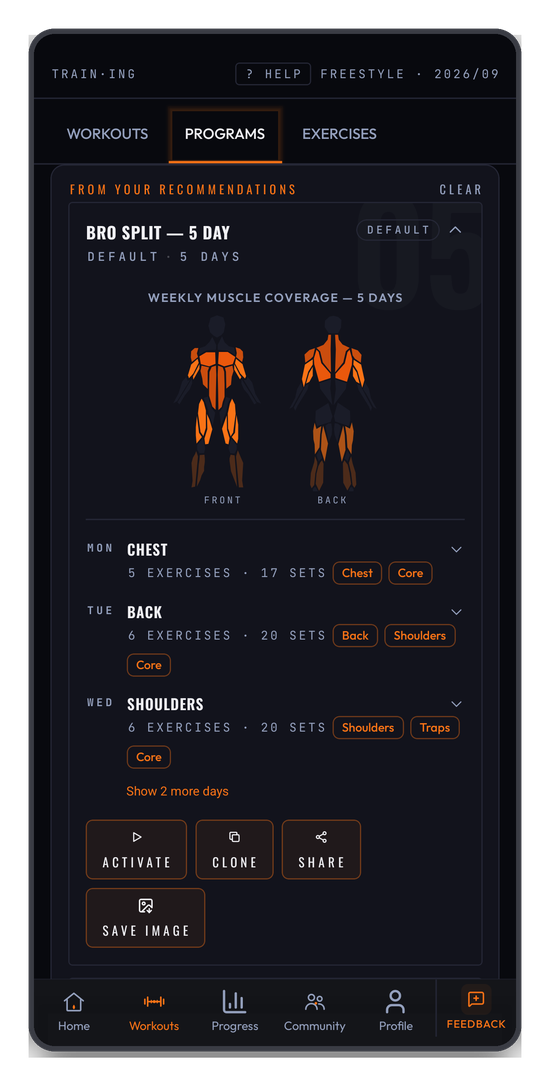
Tapping a program opens its detail rather than activating it. You get a weekly muscle coverage diagram and each day's load — "5 EXERCISES · 17 SETS" — so you can judge the volume before you commit. ACTIVATE is at the bottom.
Activating
Activating sets it as your active program, and the header across the Workouts tab changes from FREESTYLE to the program's name. From then on your home screen and the logger know which day is next, and your sessions are matched to the right day of the week.
Activating a template clones it, so anything you change afterwards is yours and the original stays intact.
Editing the schedule
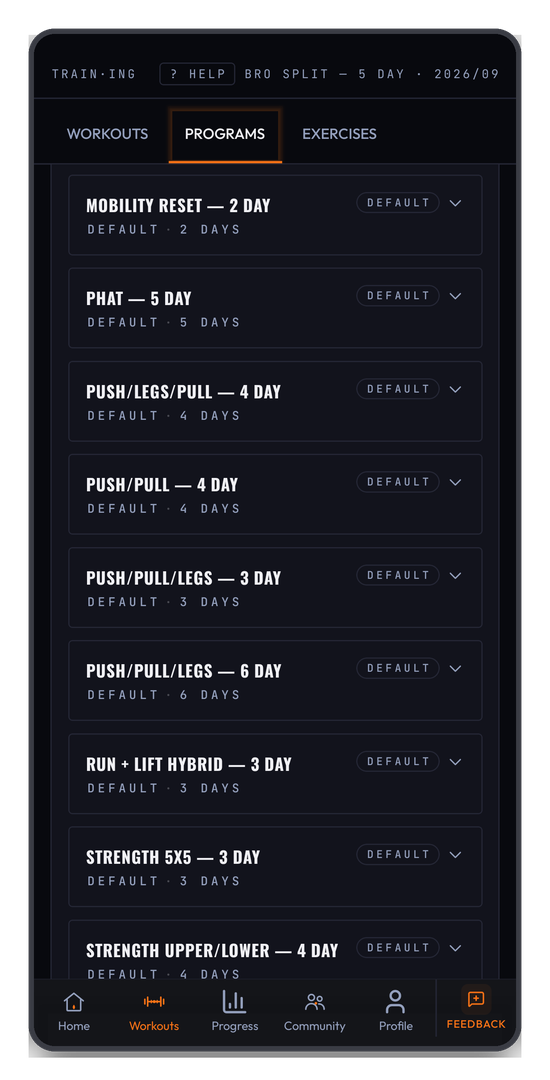
After activating you land on the schedule: one row per training day, with its focus and exercise count — Mon · Chest & Core · 5 exercises. Tap any day to customise it, or Add Day to extend the week.
Edit a program's days and exercises at any time. Template clones you never modify are cleaned up automatically when deactivated, so your library stays tidy.
Training from it
When you start a session, BurnGauge populates it from the scheduled day — your exercises and targets are pre-filled, ready to log in the workout logger. To compare two programs side by side, use Compare Programs (Pro).
Related: Log your first workout · The weekly calendar · Progress & insights.
Turn your workouts into intelligence
Log your lifts, follow a program, and let BurnGauge surface what's working. Free to start — upgrade to Pro for the full analytics + AI coaching stack.